How to Automate Appointment Follow-Up Fast
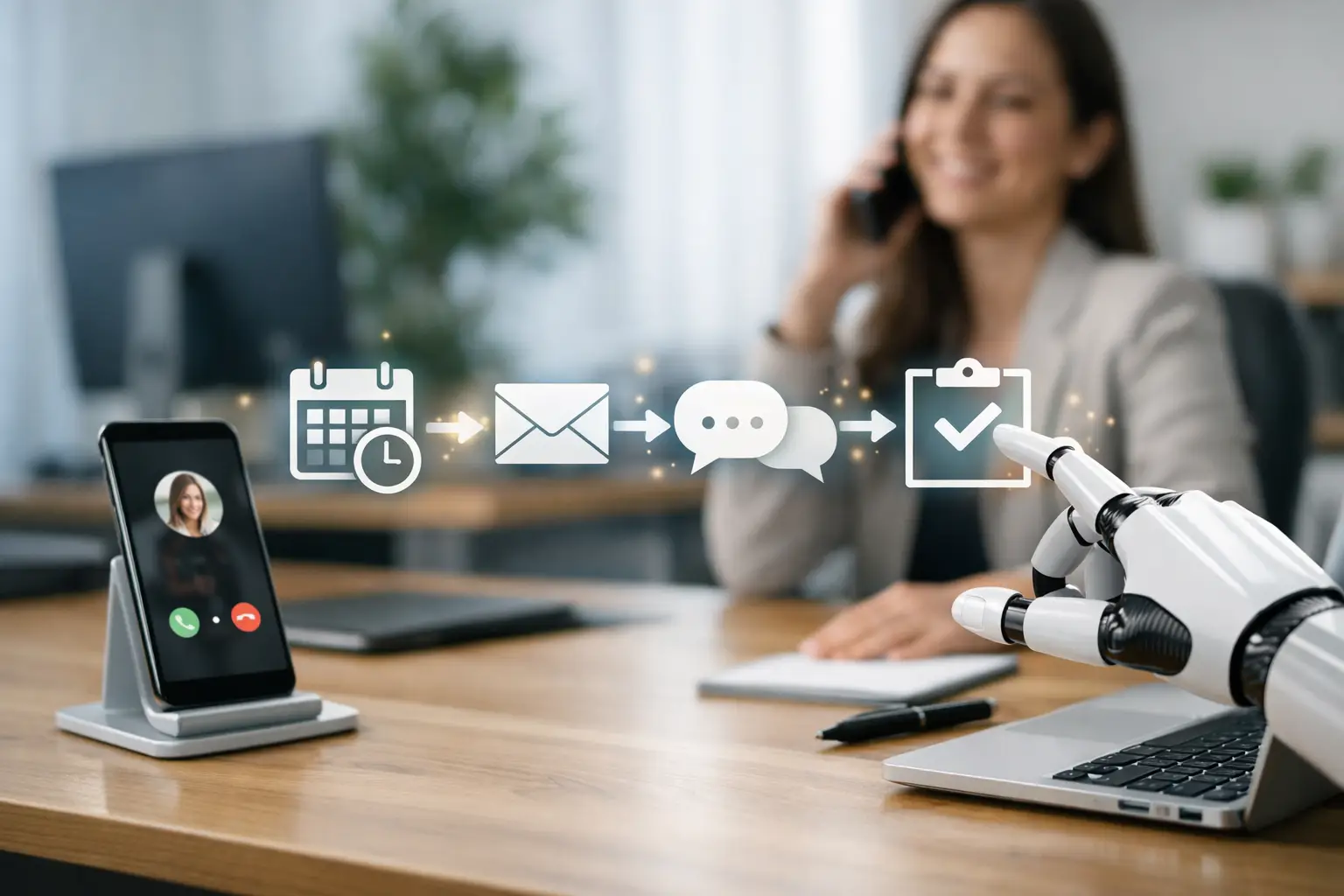
Every missed follow-up costs more than a bit of admin time. It costs booked revenue, repeat business, and the lead you already paid for. If you want to know how to automate appointment follow-up, the real goal is not sending more messages. It is building a system that confirms more bookings, reduces no-shows, and keeps opportunities moving without relying on your team to remember every next step.
Most businesses do follow-up in bursts. Someone replies quickly when the phones are quiet, then everything slips when the day gets busy. That is where leads go cold, appointments fall through, and staff waste time chasing people manually. Automation fixes that, but only when it is tied to revenue outcomes instead of generic workflows.
How to automate appointment follow-up without annoying people
The fastest way to get this right is to stop thinking about follow-up as a single reminder. Strong automation is a sequence. It starts the moment someone books, changes based on what they do next, and keeps working after the appointment is over.
A basic setup should cover confirmation, reminder, reschedule, no-show recovery, and post-appointment next steps. If your system only sends one text the day before, you do not have automation. You have a weak patch on a bigger operational gap.
The sweet spot is useful, timely communication. Too little follow-up and people forget. Too much and you sound desperate or robotic. That balance depends on your sales cycle, booking value, and how quickly people usually make decisions. A med spa, a finance broker, and a home services company should not run the same sequence.
Start with the appointment stages that actually lose money
Before you automate anything, map the points where revenue leaks. For most service businesses, those are the same five moments.
The first is immediately after booking. People need reassurance that the appointment is locked in and they know what happens next. The second is 24 to 48 hours before the appointment, when reminders cut no-shows. The third is the same day, especially for high-volume bookings where calendars change quickly. The fourth is missed appointments, where speed matters because the chance to rebook drops fast. The fifth is after the appointment, when many businesses fail to follow up for quotes, reviews, upsells, or future bookings.
If you automate those five moments well, you remove a major chunk of manual chasing and recover deals that usually disappear into silence.
Build triggers before you write messages
This is where many businesses get it backwards. They spend hours polishing SMS copy before they have decided what should trigger each message. The trigger matters more than the wording.
A trigger can be a new booking in your calendar, a form submission in your CRM, a status change in your pipeline, an unanswered reminder, or a no-show tag applied by staff. Once those triggers are clear, the follow-up becomes predictable and scalable.
For example, a new booking should trigger an instant confirmation by SMS or email, depending on what gets the best response from your audience. If the customer does not confirm, a second message can go out later with a simple prompt to reply, confirm, or reschedule. If they reschedule, the old reminder sequence should stop and the new one should begin automatically. That sounds obvious, but plenty of businesses still run overlapping reminders that confuse customers and create extra admin.
Choose channels based on response speed, not preference
If you are serious about results, use the channel that gets action fastest. For most appointment-based businesses, SMS does the heavy lifting because it gets seen quickly. Email still has a role, especially when you need to include preparation details, forms, or more context. Voice can be powerful for high-value appointments, after-hours enquiries, or no-show recovery.
The mistake is treating every appointment the same. A $70 booking and a $7,000 sales consult should not get identical follow-up. Higher-value appointments justify more touchpoints and more personal escalation.
A practical model looks like this: SMS for immediate confirmation and reminders, email for detail, and voice follow-up when the booking value is high or the lead goes quiet. If someone ignores digital reminders entirely, an automated call or AI voice agent can re-engage them without pulling your team off the phones.
What good appointment follow-up automation looks like
Strong automation feels direct and helpful. It does not read like software wrote it. It answers the customer's next question before they ask it.
Right after booking, the message should confirm the date, time, and location or call details. It should also tell them what to do if they need to reschedule. A pre-appointment reminder should reduce friction, not just repeat the booking time. If they need to bring documents, complete a form, or arrive early, say that clearly.
For no-shows, speed beats politeness. A simple message sent within minutes works better than a carefully worded email the next day. If someone misses their slot, the follow-up should offer a fast way to rebook. Give them a clear reply option or booking link and move on. Do not make them jump through hoops.
Post-appointment automation should be just as intentional. If the appointment was a consult, the next step might be a quote follow-up. If it was a completed service, it could be a review request or a future recall campaign. If there is no next step built in, your business is relying on memory, and memory is expensive.
How to automate appointment follow-up inside your CRM
Your CRM should be the control centre, not just a place where leads go to die. The best setup connects your forms, calendar, messaging, and pipeline so that every customer action moves them to the next stage automatically.
That means booked appointments get tagged correctly, reminders go out based on the actual booking time, and staff can see who confirmed, who rescheduled, and who needs intervention. It also means no-show leads can be dropped into a reactivation workflow instead of disappearing.
This is where AI becomes commercially useful. Not because it is trendy, but because it can handle speed, consistency, and scale. AI can reply instantly after hours, ask qualifying questions, confirm appointments, and continue the conversation when your team is offline. For many businesses, that is the difference between a lead waiting until tomorrow and a lead booked tonight.
Still, automation is not set-and-forget. If your CRM data is messy, your automation will be messy too. Duplicates, wrong mobile numbers, and unclear pipeline stages will break performance quickly. Clean data and clear stages are not glamorous, but they are what make the machine work.
The trade-offs most businesses ignore
There is a point where more automation creates less trust. If every message sounds generic, customers notice. If there is no easy path to talk to a real person when needed, frustration builds. And if your system keeps pushing when somebody has already cancelled, you look sloppy.
That is why the best setups mix automation with smart escalation. Let the system handle the repetitive work, then route the valuable or sensitive moments to a human. Think complex objections, high-ticket quotes, and emotionally charged service issues.
There is also a timing trade-off. Some businesses benefit from multiple reminders. Others see drop-off if they over-message. You need to watch confirmation rates, no-show rates, reply rates, and rebooking rates. The numbers tell you whether your sequence is helping or hurting.
A simple rollout plan that gets results quickly
If your current process is manual, do not try to automate every edge case in week one. Start with the booking confirmation and reminder flow. That alone can cut admin load and reduce no-shows fast.
Then add missed appointment recovery. This is usually one of the easiest wins because most businesses do it poorly or not at all. After that, build the post-appointment follow-up based on your revenue model, whether that is reviews, repeat bookings, quote chasing, or upsells.
Once those foundations are in place, refine the logic. Segment by service type. Increase touchpoints for high-value appointments. Add after-hours response. Introduce AI where speed matters most. That is how you move from basic automation to a system that actually drives revenue.
For businesses that rely heavily on bookings, this is not a nice-to-have operational upgrade. It is sales infrastructure. Elite AI Automations focuses on this kind of revenue-first system because the goal is simple: more conversations, more kept appointments, and fewer leads wasted.
If you are still depending on staff to remember who needs a reminder, who missed an appointment, and who never got a follow-up, you do not have a follow-up process. You have a revenue leak with a calendar attached. Fix that first, and the growth conversation gets a lot easier.